ggcorrplot.ggcorrplot#
- ggcorrplot.ggcorrplot(X, matrix_type='correlation', method='square', type='full', title=None, show_legend=True, legend_title='Corr', show_diag=None, colors=('blue', 'white', 'red'), outline_color='gray', hc_order=False, hc_method='complete', label=False, label_color='black', lab_size=11, p_mat=None, sig_level=0.05, insig='pch', pch='x', pch_color='black', pch_cex=5, tl_cex=12, tl_color='black', tl_srt=45, xtickslab_rotation=45, digits=2, ggtheme=None)[source]#
-
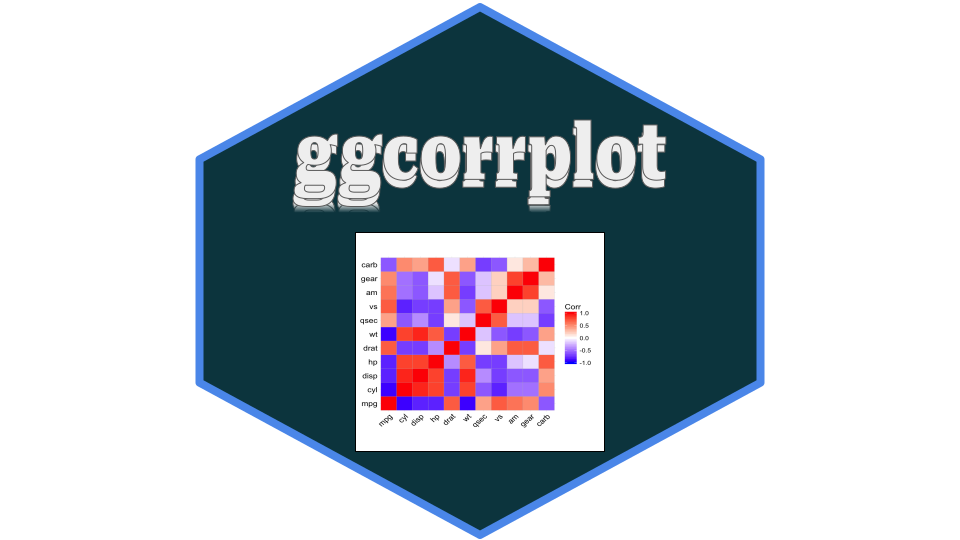
Visualization of a correlation matrix using ggplot
A graphical display of a correlation matrix using plotnine
- Parameters:
-
X (DataFrame of shape (n_rows, n_columns) or (n_columns, n_columns)) – Input data. Original data or correlation matrix.
matrix_type (str, default = ‘correlation’) – Which matrix in input. Possible values are: “correlation” (default) or “completed”
method (str, default = ‘square’) – the visualization method of correlation matrix to be used. Possible values are “square”, “circle”.
type (str, default = ‘full’) – Which correlation matrix to use. Possible values are : “full” (default), “lower” or “upper” display.
title (str,) – Title of the graph
show_legend (bool, default = True) – If True, the legend is displayed.
legend_title (str, default = “Corr”) – The legend title. lower triangular, upper triangular or full matrix.
show_diag (None or bool, default = None) – Whether display the correlation coefficients on the principal diagonal. If None, the default is to show diagonal correlation for type = “full” and to remove it when type is one of “upper” or “lower”.
colors (list or tuple, default = (“blue”,”white”,”red”)) – 3 colors for low, mid and high correlation values
outline_color (str, default = ‘gray’) – The outline color of square or circle.
hc_order (bool, default = False) – If True, correlation matrix will be hc_ordered using scipy.cluster.hierarchy.linkage function.
hc_method (str, default = ‘complete’) – The agglomeration method to be used in scipy.cluster.hierarchy.linkage.
label (bool, default = False.) – If True, add correlation coefficient on the plot.
label_color (str, default = ‘black’) – Color to be used for the correlation coefficients labels. Used when label = True.
label_size (int, default = 11) – Size to be used for the correlation coefficients labels. Used when label = True.
p_mat (DataFrame of shape (n_columns, n_columns)) – Matrix of correlation p-value. If None, arguments sig_level, insig, pch, pch_col, pch_ces is invalid.
sig_level (float, default = 0.05) – Significant level, if the p-value in p_mat is bigger than sig_level, then the corresponding correlation coefficient is regarded as insignificant.
insig (str, default = ‘pch’) – Specialized insignificant correlation coefficients, “pch” (default), “blank”. If “blank” wipe away the corresponding glyphs. if “pch”, add characters (see pch for details) on corresponding glyphs
pch (str, default = ‘x’) – Add character on the glyphs of insignificant correlation coefficients (only valid when insig is “pch”). Default value is ‘x’.
pch_color (str, default = ‘black’) – the color of pch (only valid when insig is “pch”).
pch_cex (int, default = 5) – the cex (size) of pch (only valid when insig is “pch”).
tl_cex (int, default = 12) – The size of text label (variable names).
tl_color (str, default = ‘black’) – The color of text label (variable names).
tl_srt (int, default = 45) – The rotation of text label (variable names).
xtickslab_rotation (int, default = 45) – X-ticks rotation angle.
digits (float, default = 2) – Decides the number of decimal digits to be displayed.
ggtheme (function, default = None) – Plotnine theme name.
- Return type:
-
a ggplot graph
Examples
>>> from plotnine.data import mtcars
>>> from ggcorrplot import ggcorrplot
>>> mtcars = mtcars.set_index("name") # set name as index
>>> #with correlation matrix
>>> p = ggcorrplot(mtcars.corr())
>>> p
>>> #with original data
>>> p = ggcorrplot(mtcars, matrix_type = "completed")
>>> p